Sometimes you want to write “I felt disappointed” and leave it there. You may not want a response, a score, a suggested explanation, or a summary of what the sentence says about you. If that sounds familiar, choose a journal by testing how much control you retain after you save the entry.
Still offers a place for your own journal pages and feeling check-ins. It is worth evaluating if your priority is keeping a personal record rather than receiving an automated interpretation of that record. That preference does not make every guided or conversational tool unsuitable; it means you should decide which kind of help you want before comparing feature lists.
We publish Still, and the discussion here explains a product-fit choice. It does not claim that one approach is best for every writer or assess the privacy and capabilities of any named competing service.
Distinguish help starting from help interpreting
A prompt can help you begin without telling you what your experience means. “What happened before you felt disappointed?” invites a description. An interpretation takes a further step by proposing a reason, a pattern, or a conclusion about the entry.
You may welcome the first and dislike the second. Or you may want both, provided you can decide when to ask. Those preferences are easier to communicate when you separate them. “I want guidance” is broad enough to include a blank-page question, a suggested exercise, a conversational response, and an analysis of months of writing.
Before choosing a journal, finish this sentence: “When I save something personal, I want the app to…” Your answer might be “keep it so I can find it later.” It might be “ask one question I can ignore.” Write the answer in concrete terms, then check whether the product actually behaves that way.
Try an entry whose meaning is deliberately unresolved
A good evaluation example does not need to contain sensitive details. Use a hypothetical situation: “A friend canceled our plans. I felt disappointed, but I am not sure whether I wanted company or simply wanted the evening to happen as expected.”
That entry contains an unresolved distinction. You may want to consider it later, after the immediate reaction has passed. If you are evaluating a tool that responds to writing, notice whether it leaves that uncertainty visible or quickly gives the event a neat explanation. Decide whether the response adds something you wanted.
Also notice whether you feel an obligation to answer the app. A journal session can have a natural stopping point after the saved paragraph. A conversational experience may invite another turn. Either can suit a particular purpose, but the difference matters if you are choosing a tool for short, bounded writing sessions.
Keep a feeling label separate from an explanation
Choosing “disappointed” describes something about your experience. It does not establish why the friend canceled, how much they value you, or whether the relationship has a larger problem. Those questions require information a feeling label alone cannot provide.
This distinction is useful even when no automated feature is involved. You can make confident interpretations yourself and later discover that the context was different. A personal journal can keep observation, feeling, and interpretation in separate sentences so a later reader—you—can tell which was which.
For example: “The plan was canceled. I felt disappointed. My first interpretation was that the evening did not matter to them, but I do not know that.” The wording preserves the thought without promoting it into a verified account of someone else's intention. A tool that lets you write freely should make room for that qualification.
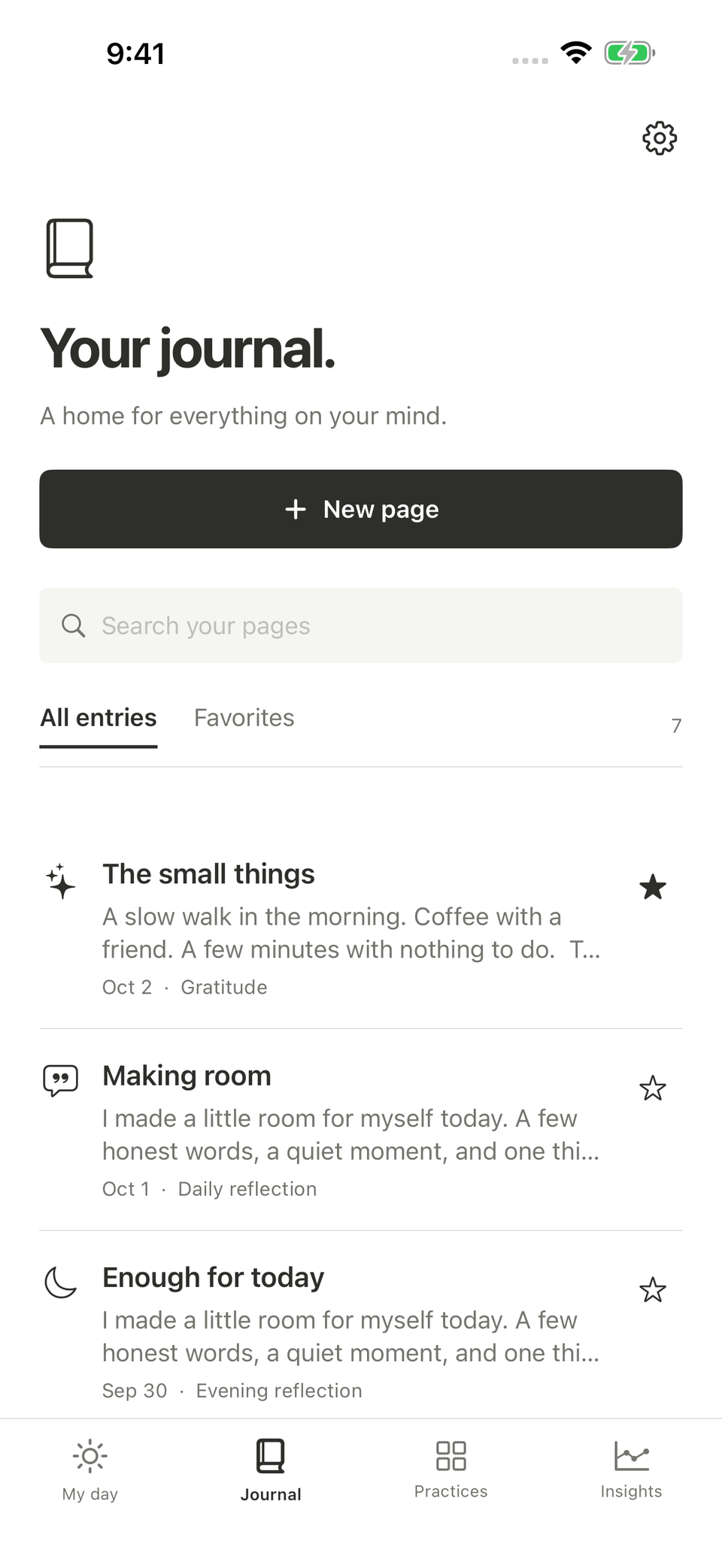
An illustrative Still screen. The entry remains your account, including questions you have not resolved.
Inspect the source of any guidance you rely on
If you are interested in an app that generates responses, look at its current official explanation of the feature. What information does it use? Is the feature optional? How can you correct or disregard a response? What does the provider say about limitations and content handling?
Do not fill in these details from the term “AI” or from a reassuring interface. Different products can have different processing arrangements, data practices, and controls. A comparison is only useful when it describes the particular feature you would use, with evidence for the claims being made.
You can apply the same care to a fixed prompt library. Look at the questions themselves and the way the app presents them. A writing suggestion should be understandable enough for you to decide whether it fits your situation. A large number of prompts is not automatically more useful than a few questions you are comfortable adapting.
Check whether you can revise your account
An emotional entry is often a first account, written before every detail is known. You may want to correct a factual error, add context, or note that your understanding changed. Evaluate the editing experience with those ordinary needs in mind.
In a simple test, save a paragraph and return to it. Add a sentence beginning “Later I learned…” or “Looking back, I would describe this differently.” Consider whether you can distinguish the later note from the original description in a way that makes sense to you. Do not assume an app provides a complete version history unless that feature is documented.
Still supports editing existing journal pages. You can use your own dated additions if you want to preserve the sequence of your thinking within a page. The app does not need to decide which version of your experience is the correct one for you to keep a useful account.
Decide what you want from a review session
Some people want a journal review to show them entries they can reread and interpret themselves. Others want summaries, categories, or proposed themes. Ask which task you are actually trying to make easier: finding the writing, reducing the amount to read, or deciding what it means.
For a review led by your own questions, choose a small set of entries and look for context. “What did I write about the canceled plans?” is more specific than asking the archive to explain your social life. The narrower question also makes it easier to notice what the record does not contain.
Still's mood and feeling features sit alongside longer journal pages. They provide different forms of a personal record; they do not turn self-reported entries into proof of a cause. If you need extensive automatic analysis as the central feature, make that requirement explicit when comparing products.
Privacy belongs in this decision, too
The content of an emotional journal may include intimate details, but the relevant privacy question is about actual data handling. Where are entries stored? Does a feature send their contents elsewhere? What copies are made when you export or back up the record?
Still keeps journal and check-in content locally and does not require a Still account. Its privacy policy describes that arrangement separately from purchases, optional usage sharing, and optional feedback. Read those distinctions rather than assuming local journaling means the entire app never connects to a service.
If you choose another tool specifically for a response-generating feature, inspect its policy for that feature before submitting sensitive writing. You may decide the documented arrangement fits your preferences, or that you would rather keep a simpler record. The decision should follow the actual terms, not a general claim that all automation is either harmless or intrusive.
Pay for the writing experience you will use
Still Plus gives new users unlimited new entries, photo attachments, and guided writing. Those features may be valuable if you want more room to record and revisit emotional experiences. They should be assessed for that purpose rather than for an expectation of an automated explanation.
You can review the current support details and App Store listing before deciding. Existing users retain their original features, and access to existing writing continues under the documented rules without an active subscription.
A journal can be useful without replying to you. If what you want is a private place to keep your own words, leave questions open, and return when you choose, that is a complete product requirement. Choose the tool that handles that requirement well for you.