Some feelings are easier to name when you are not writing for an audience. You might want to admit that you felt jealous of a friend's good news, resentful about a favor you agreed to, or embarrassed by a comment that seemed small to everyone else. A private journal gives you a place to record those words without turning the entry into a message you intend to send.
Choosing that place deserves more than a glance at a lock symbol. You need to know where the writing is stored, who can open the app, and what happens when you export a page or save a backup. Still is one option for local journal writing without a Still account. This guide explains the questions to ask, including the limits of that approach.
Start by deciding what you want to keep private
Privacy is easier to evaluate when you name the situation you are concerned about. Perhaps someone occasionally borrows your unlocked phone. Perhaps you do not want journal content stored in an account-based service. Perhaps you are comfortable keeping a digital copy but want to avoid accidentally sending an entire page when asking for support.
These concerns are related, but they require different controls. An app lock addresses access through the app. A storage policy describes where content lives. Export choices determine what leaves the app when you deliberately create a file. One feature should not be taken as proof that all three concerns are covered.
For emotional writing, also consider the audience in your own mind. An entry that says “I felt jealous” does not have to be polished into a statement you would deliver to a friend. You can write an unfinished account. Technical privacy cannot tell you what to disclose, but understanding the storage and sharing choices may help you decide what you are comfortable keeping there.
Read the storage explanation, not just the word private
Still stores journal and check-in content locally on your device and does not require a Still account. That is a meaningful design choice, but it should be described precisely. It is not the same as saying that the entire app never uses a network or that every file associated with the app is encrypted in a separate journal vault.
The Still privacy policy distinguishes journal content from purchase services, optional usage sharing, and optional feedback. Purchases use Apple and RevenueCat. Optional usage sharing is off by default and concerns documented feature-use events rather than the words in your journal. Optional feedback sends the message and specified details you choose to submit.
When considering any journal, look for those distinctions. A broad phrase such as “your data stays yours” may sound reassuring while leaving the practical questions unanswered. You should be able to identify which content remains local, which services operate separately, and what actions you can take to change optional settings.
Understand the boundary of an app lock
Still's optional app lock uses your device's authentication, such as Face ID, Touch ID, or the device passcode. It does not create a separate Still password or a recovery account. If a journal lock is part of your buying decision, read the support instructions before you depend on it.
An app lock protects access through that app. A readable document saved elsewhere is a separate file. If you export a page about a vulnerable experience and save it to a folder another person can access, the journal's lock does not automatically extend to that folder. The same distinction applies to a file you attach to a message.
Think through one realistic situation: you lend someone your phone to show a photo. What other access would they have? You do not have to assume a particular threat to make a considered choice. The point is to match the control to your own circumstances and avoid relying on a protection that has not been promised.
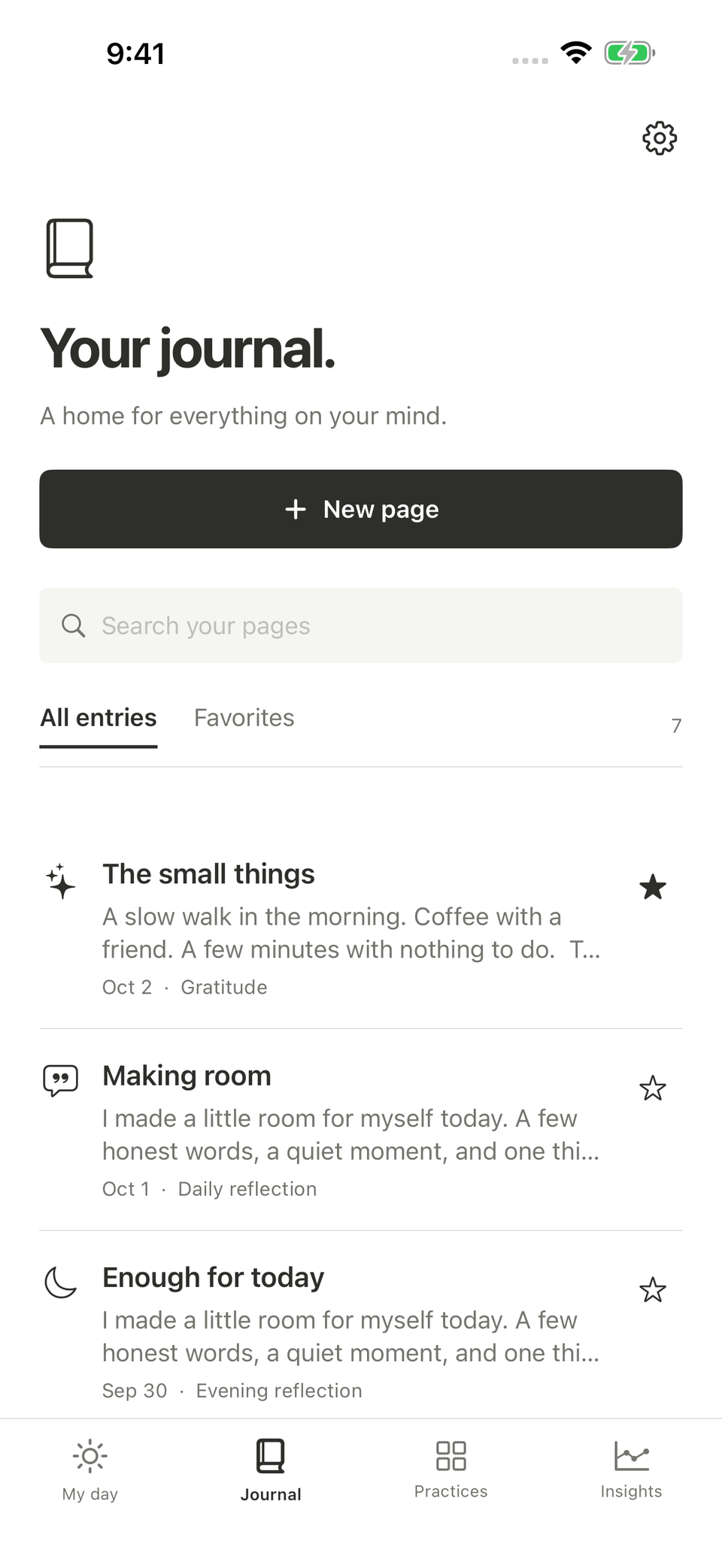
An illustrative app screen. Do not include private journal content in an ordinary support request unless you deliberately choose to share it.
A backup preserves writing but creates another copy
A local journal needs a preservation plan. Without an account-based copy on Still's servers, losing access to local app data may mean losing writing you have not backed up. Still offers a backup file that you save through Files, and it offers readable journal exports for different purposes.
Those files deserve their own attention. Still backup files are not separately encrypted. Their privacy depends in part on where you put them and who can access that location. Saving a backup with a cloud storage provider also brings that provider's handling of the file into the picture; it does not make the backup part of an automatic Still syncing service.
Before recording a large amount of personal material, follow the backup guide with information you are comfortable using for the check. Learn where the file goes and how you would locate it again. A backup that exists somewhere you cannot find is less useful than a small routine you understand.
Keep the entry separate from the message you might send
Suppose you write about resenting an extra responsibility. The journal version may contain several interpretations, including ones you later revise. That does not mean it is the version you want to send to the person involved. Private reflection and communication serve different purposes.
If you decide to share something, you can write a separate message based on what you have chosen to communicate. You might keep the journal's full account and send a shorter request about a specific task. This is an editorial choice rather than a technical app feature, but it matters when an export or share button is only a few taps away.
Before sharing a file, open it and inspect what it contains. Check the selected pages, any attached images, and whether the document includes details about other people that you did not intend to distribute. Convenience should not be mistaken for an obligation to share the entire record.
Look at the information visible around the journal
The words inside an entry are not the only information you may care about. A widget, an exported filename, or a document preview can reveal something even when the full writing remains inside the app. Decide which of those surfaces matter in your setting.
Still's widgets do not display journal text, but the mood widget can show today's selected mood. That is a useful shortcut for some people and a reason to choose a different widget for others. It would be inaccurate to describe all widgets as displaying no personal information at all.
You can make these choices without abandoning a digital journal. Use the surfaces that fit your comfort level, and leave the others unused. A product's flexibility is valuable when it lets you choose a narrower routine, not only when it encourages you to enable every available feature.
Evaluate privacy alongside the writing experience
Once you understand the boundaries, try an entry about a manageable feeling. For example: “I felt embarrassed when I lost my place in the conversation. I keep imagining that everyone noticed more than they may have.” That entry records the experience while distinguishing your worry from something you know about other people's thoughts.
Save it, return to it, and see whether the writing space feels usable. Then check the settings and preservation steps you identified earlier. A journal that has appealing privacy language but leaves you uncertain about basic controls may not be the best fit. A journal whose tradeoffs you understand may be easier to use deliberately.
Still may suit you if you want local emotional writing, optional device authentication, and control over the copies you create. If you need account-based syncing or a different storage arrangement, include that in your comparison. Review Still's current listing together with its privacy and support pages, and choose a place where you understand what happens to the words you decide to keep.